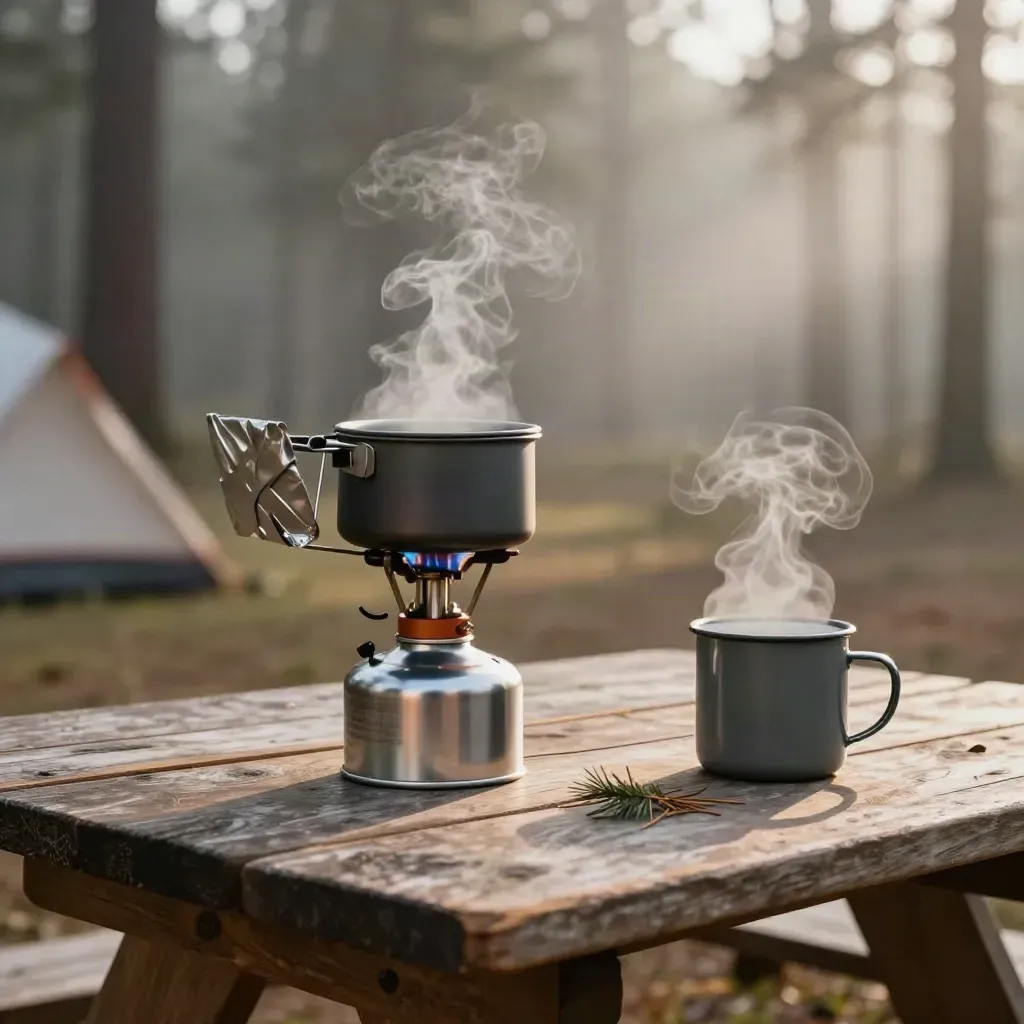
Gear guide
Best Camp Stoves for 2026
Small, fast, and easy to pack for car camp trips
FROM THE JOURNAL
Read trail guides, camp tips, gear reviews, and safety notes that help you pack right, choose a route, and plan a smart day outside.
FEATURED READS
Small, fast, and easy to pack for car camp trips
Gear guide
Small, fast, and easy to pack for car camp trips
Field notes
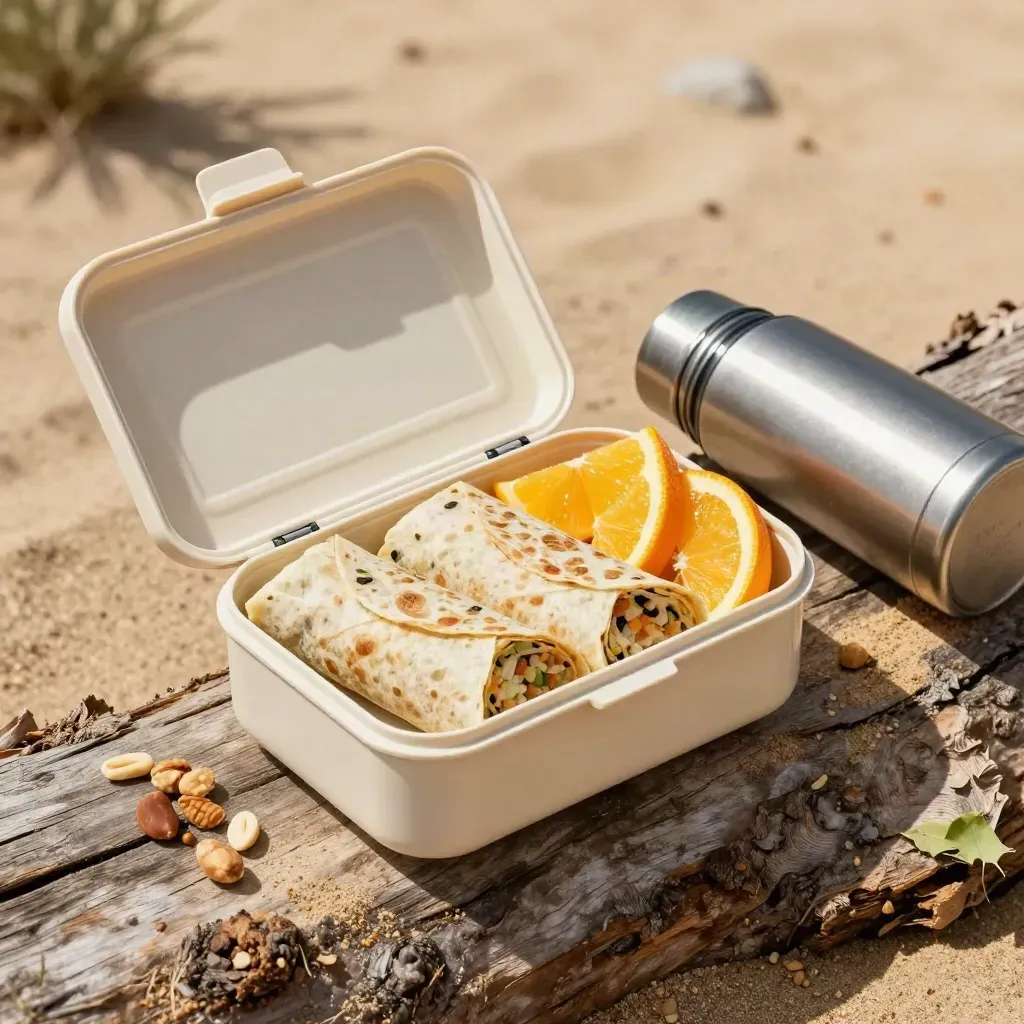
Food notes
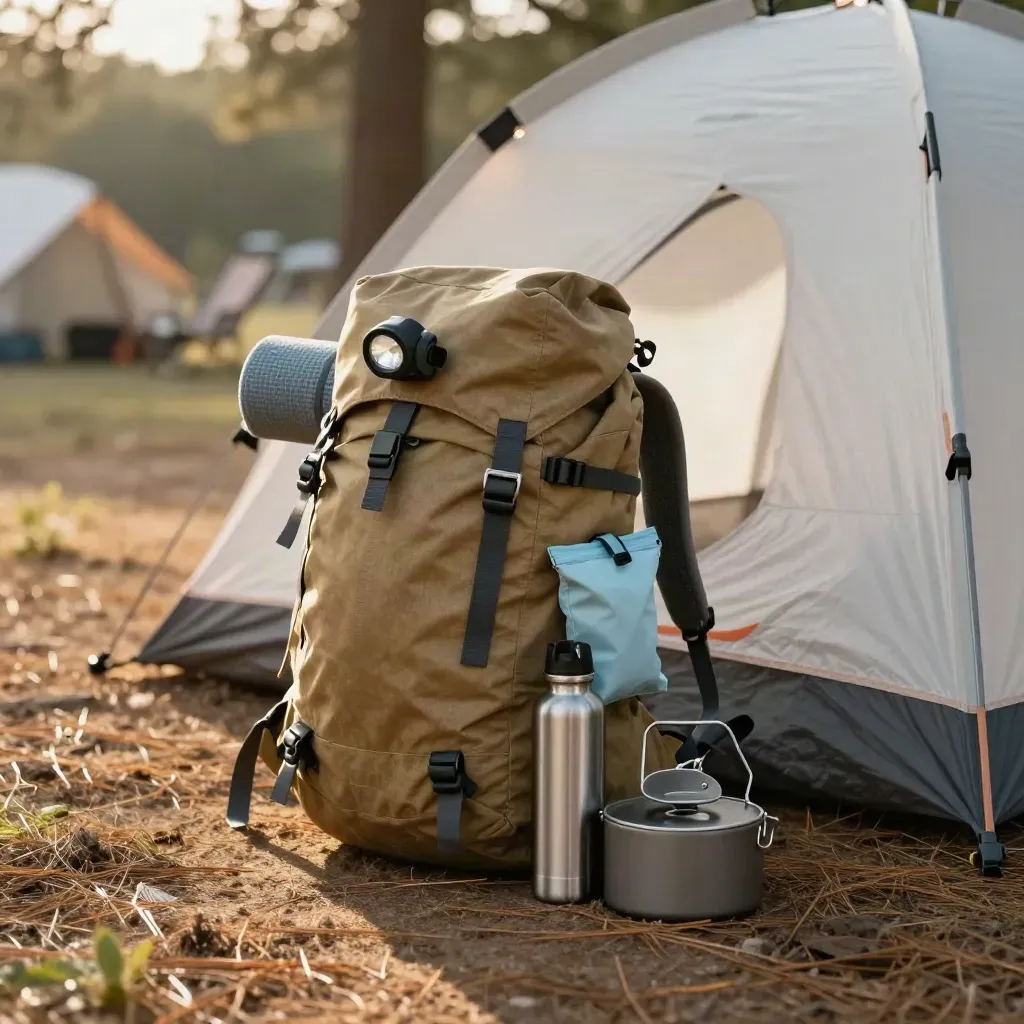
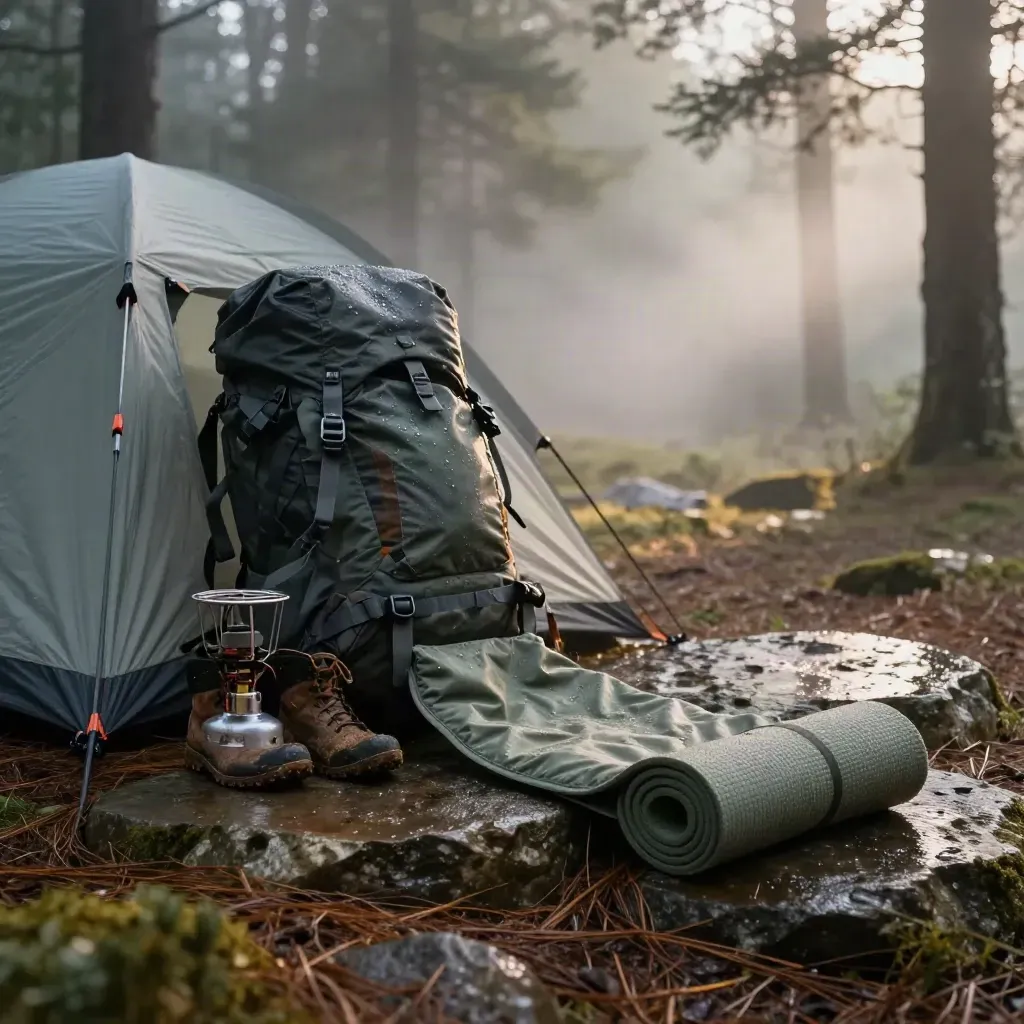
What to pack for one night on the trail
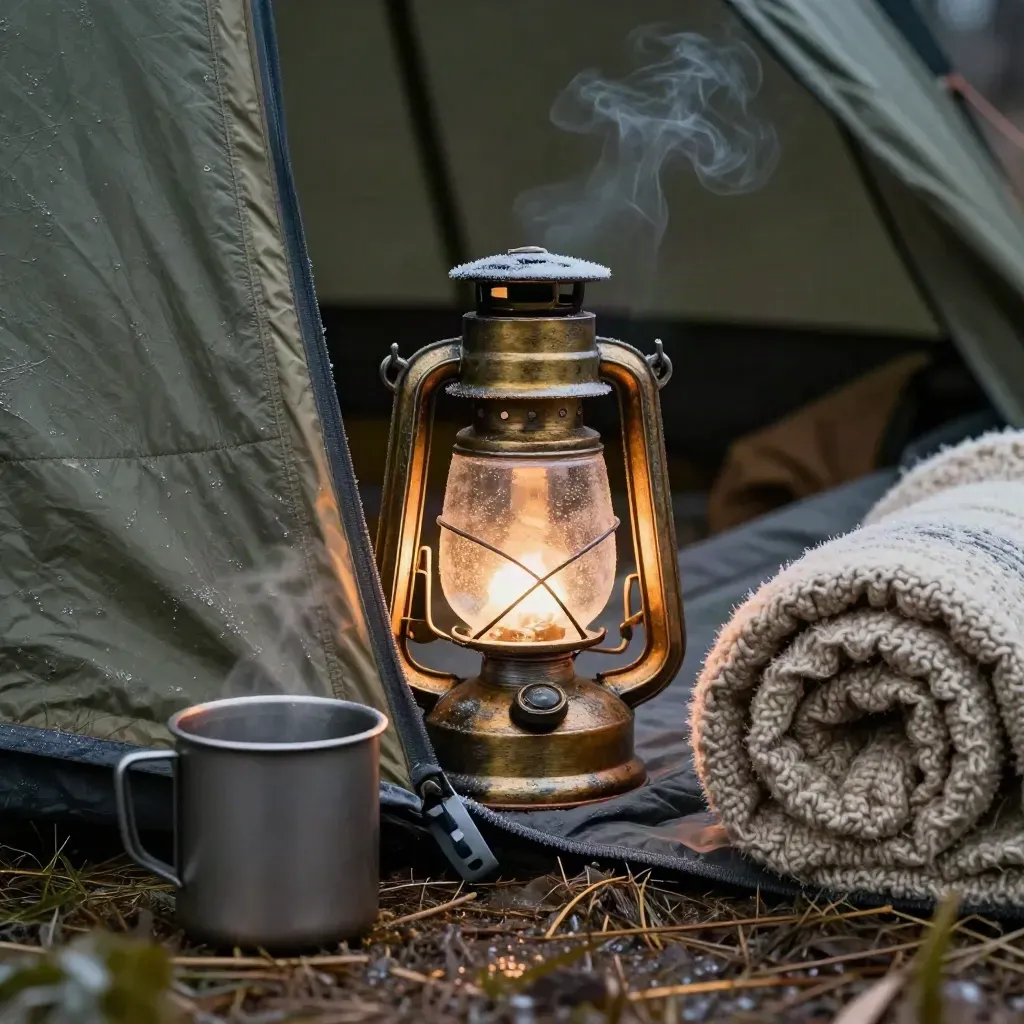
Stay warm when temps drop after sunset
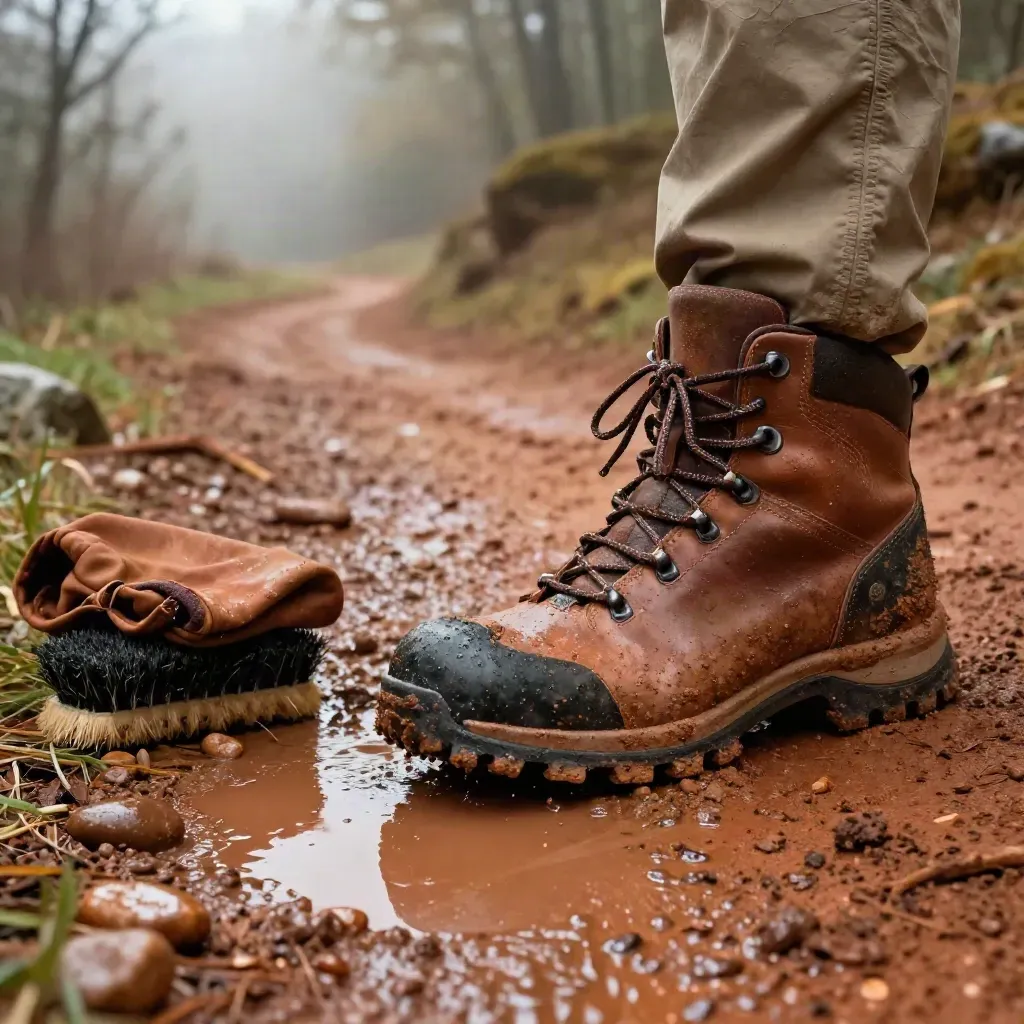
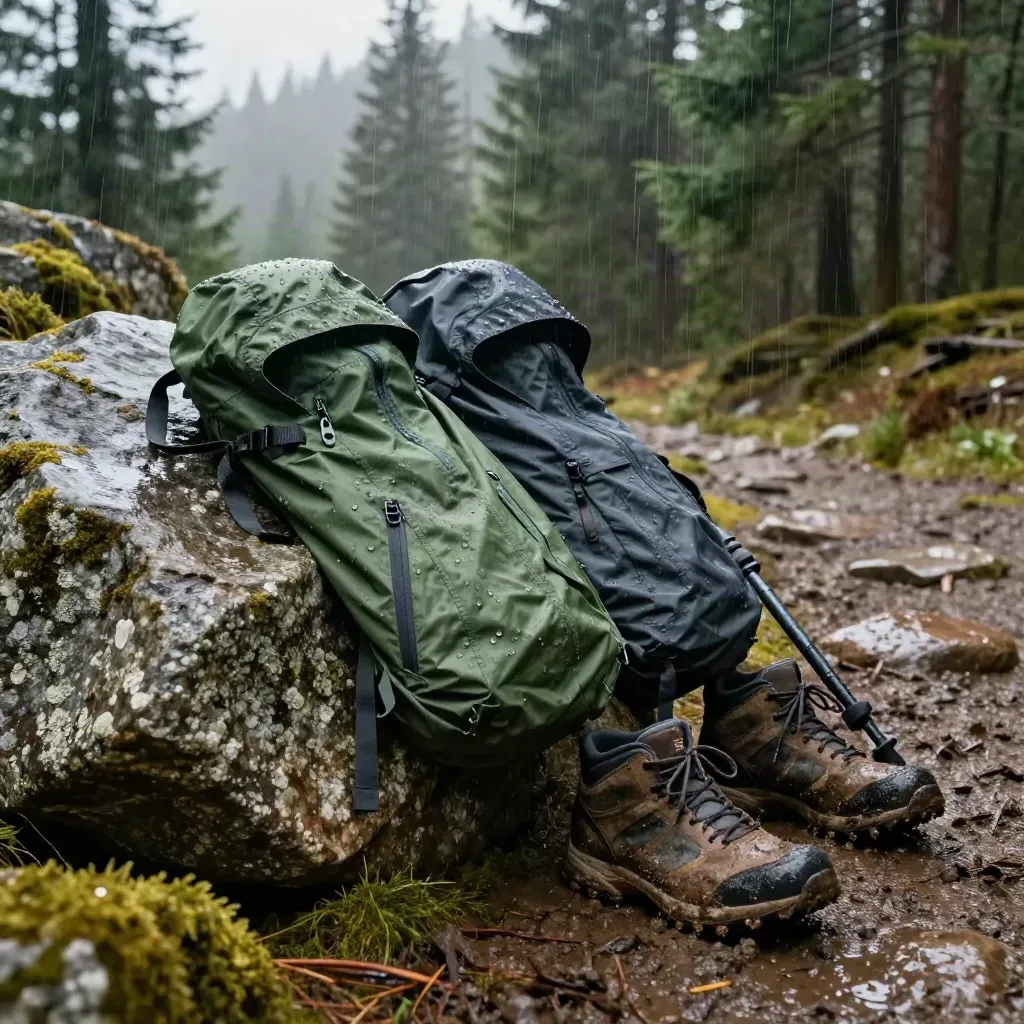
Good grip for spring paths and wet ground
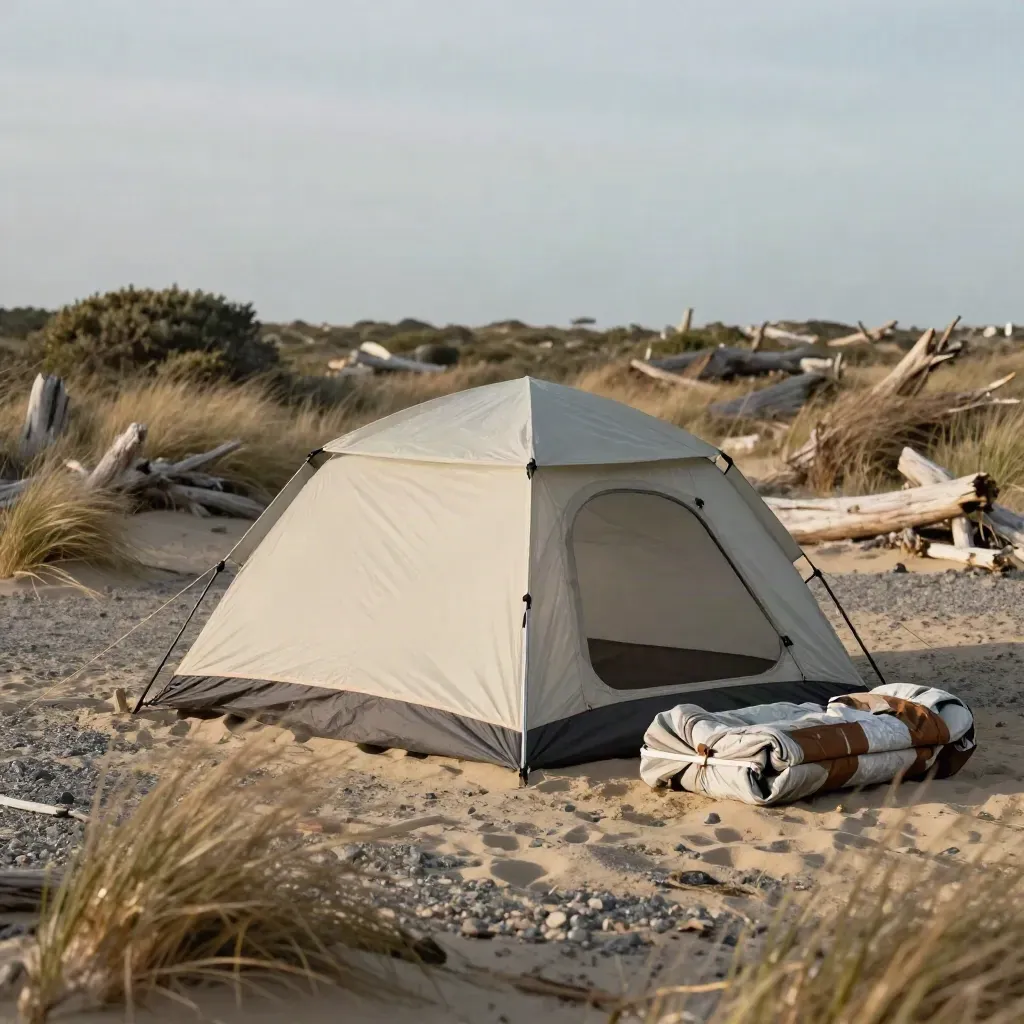
Gear
Gear
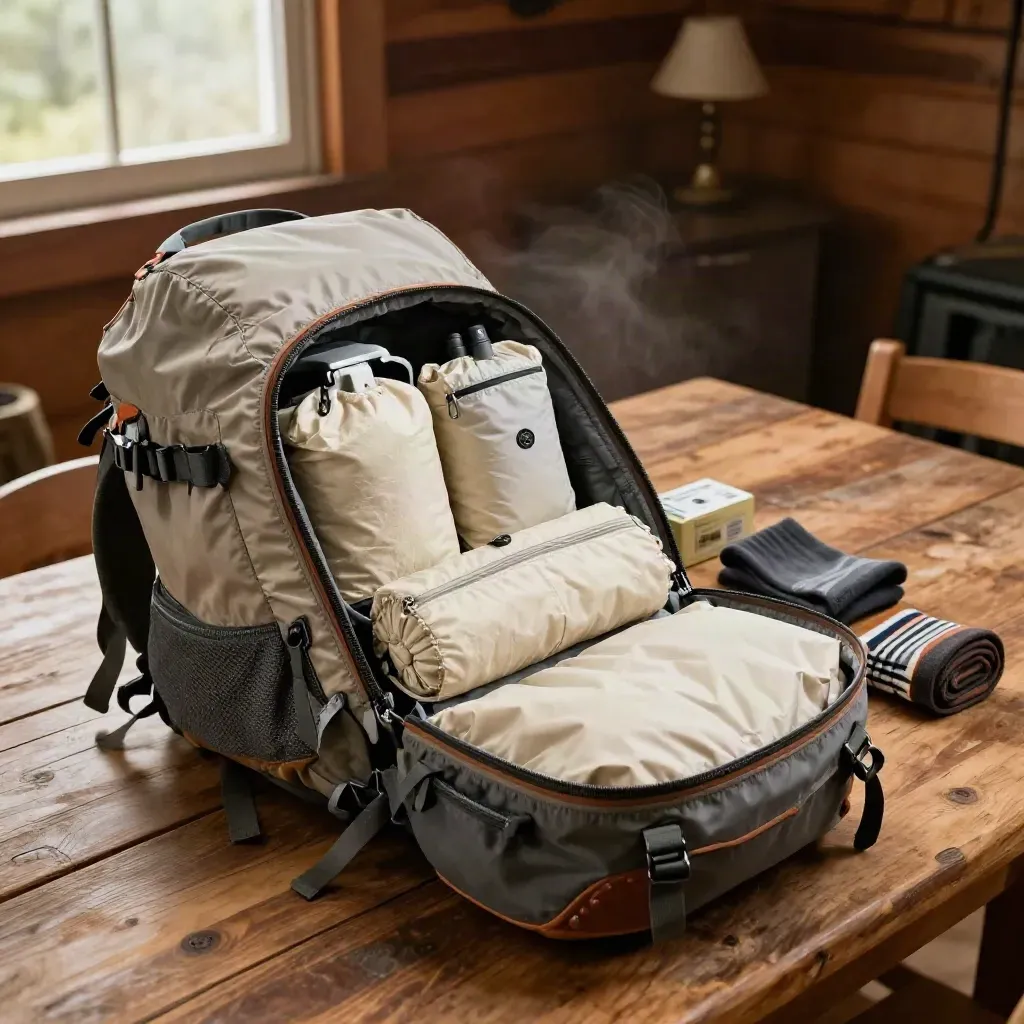
Pack smart
Pack smart
TOPIC SPOTS
Simple route notes for day hikes, loops, and easy summits.
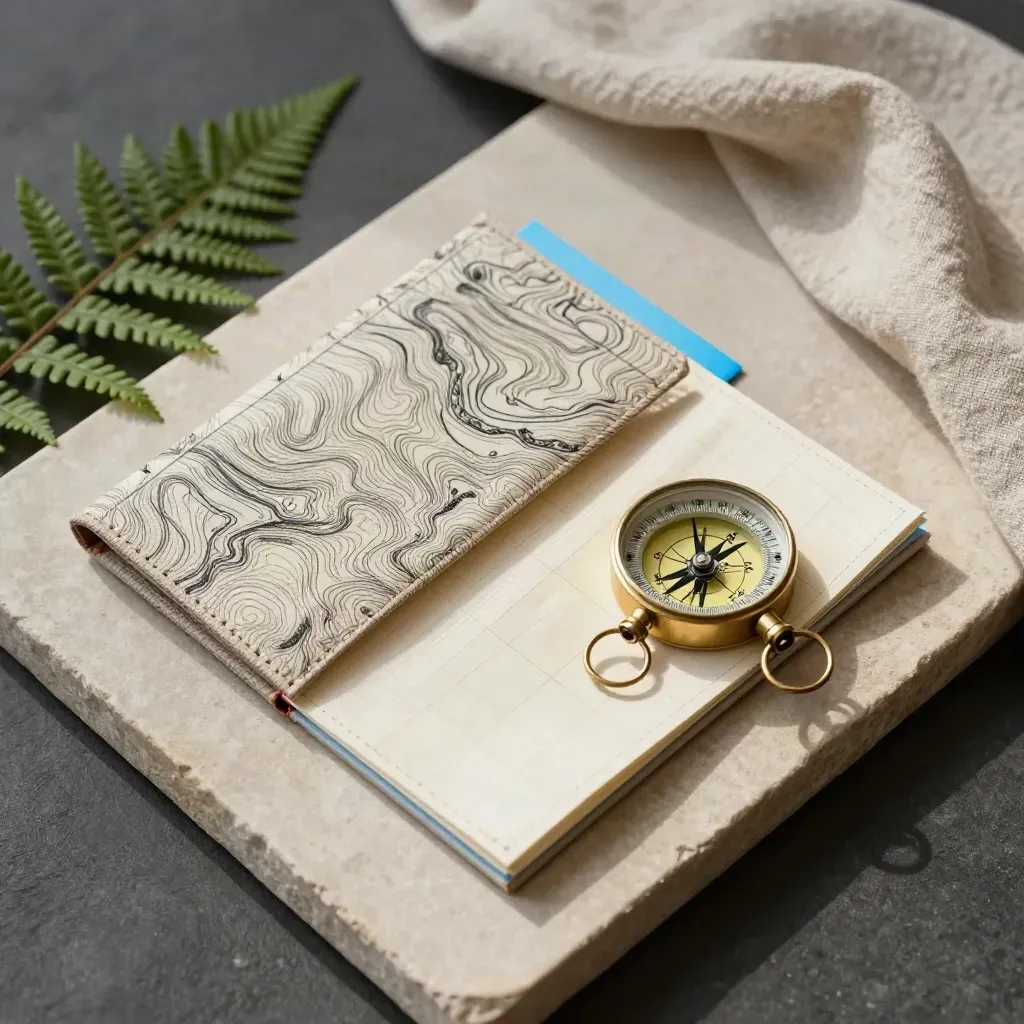
GUIDE
Simple route notes for day hikes, loops, and easy summits.
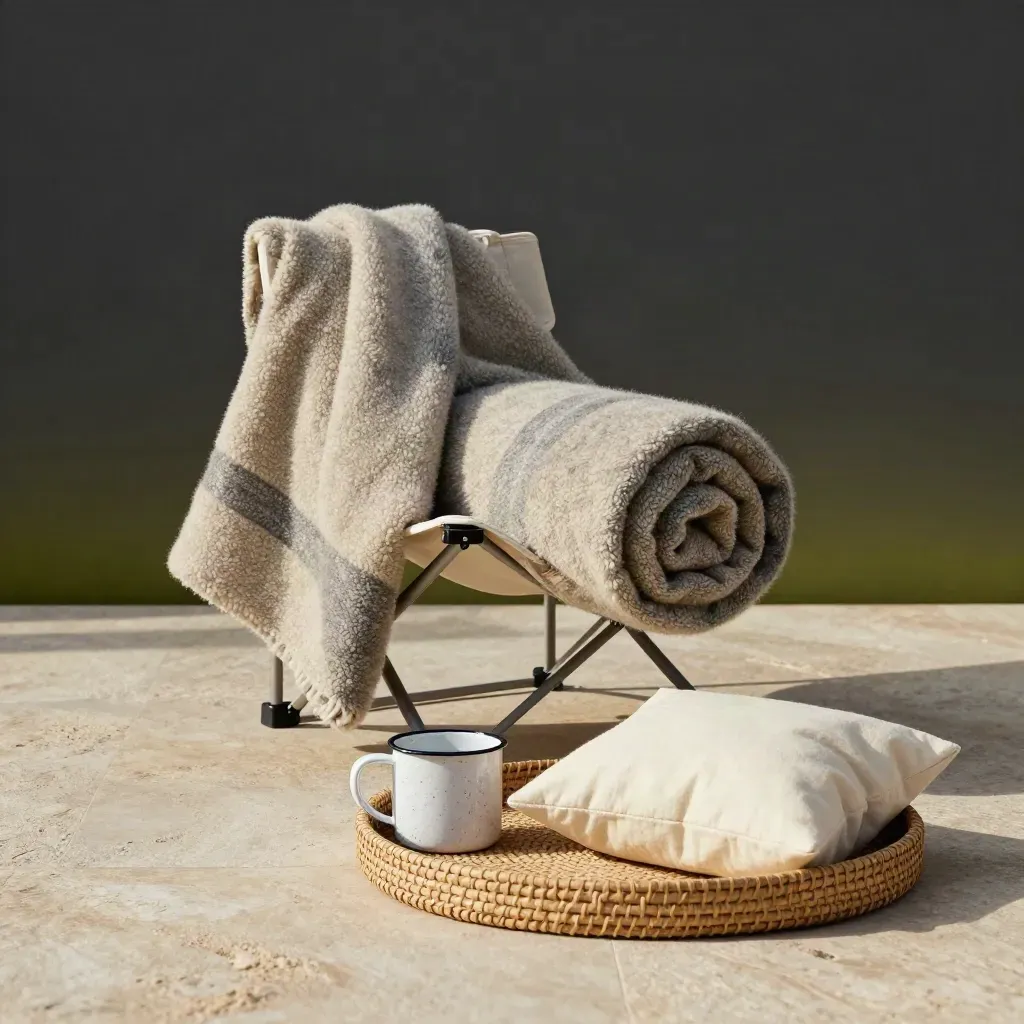
TIPS
Sleep, shade, and chair picks that make camp feel better.
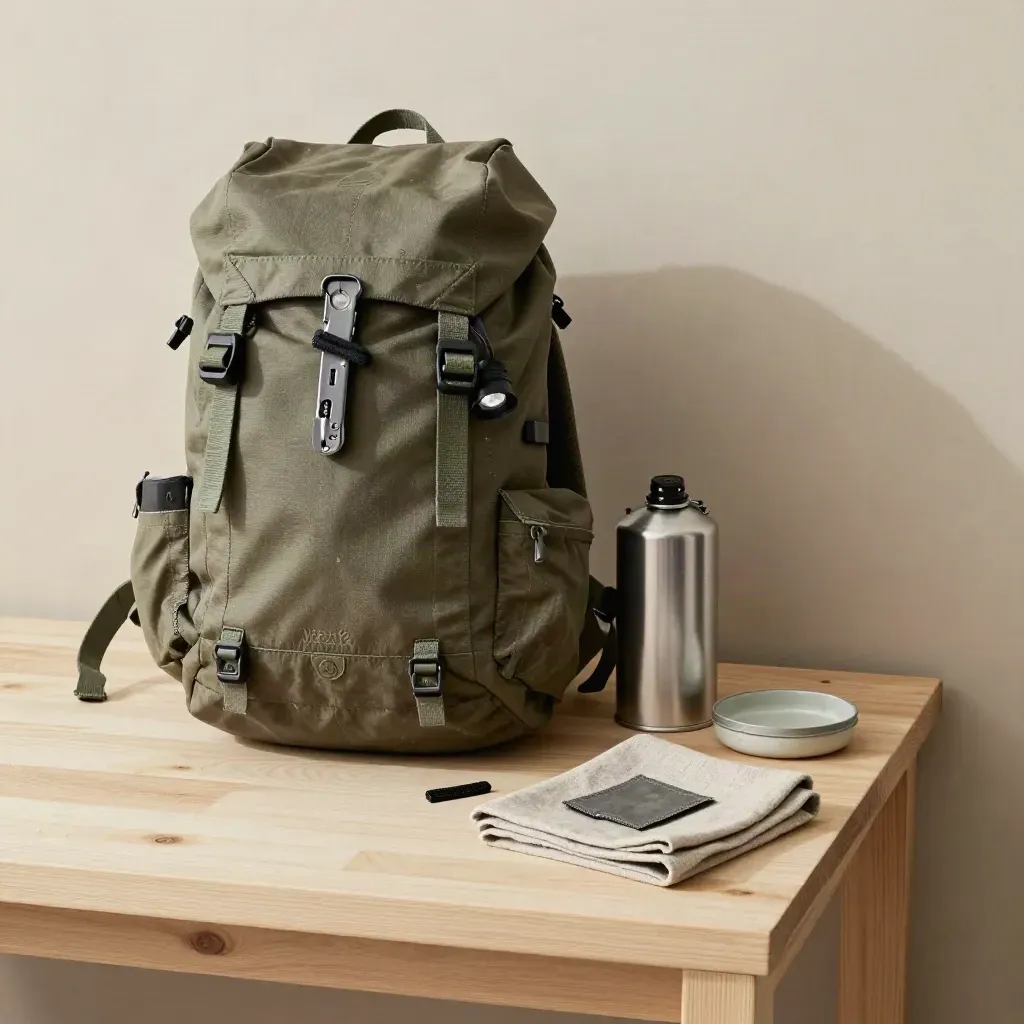
GUIDE
What to buy, what to skip, and how to pack light.
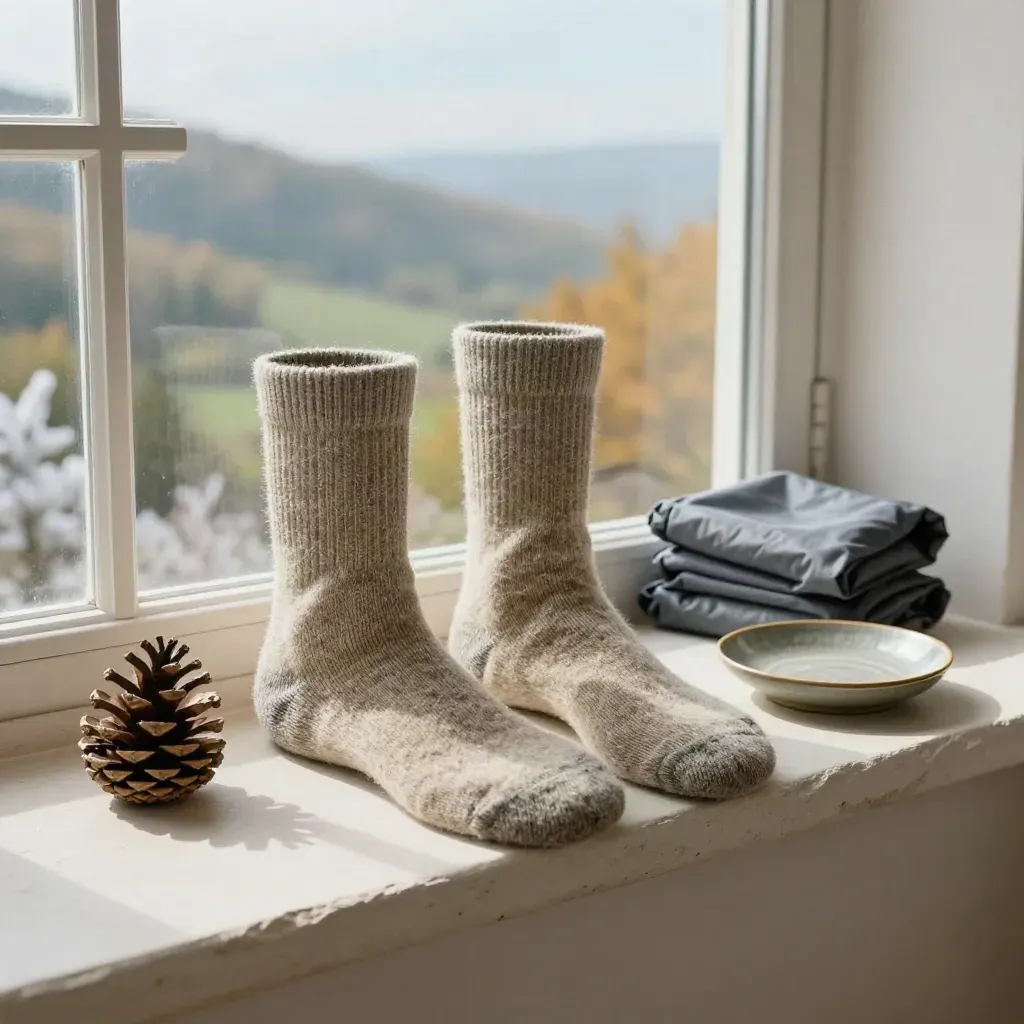
TRENDS
Good ideas for spring flowers, summer heat, fall color, and snow days.
trail and camp guides
trail and camp guides
average reader rating
average reader rating
monthly readers
monthly readers
Community
“The pack lists saved our family trip. We left with less junk and no missed gear.”
Maya Torres
Weekend hiker, Denver
“I trust the gear reviews before every buy. They are plain and easy to scan.”
Marcus Bell
Camp dad, Seattle
“The safety notes are clear enough for my teens to read before a day hike.”
Tina Alvarez
Scout leader, Austin
MORE TO READ
A two-day plan with camp spots, food, and pack notes
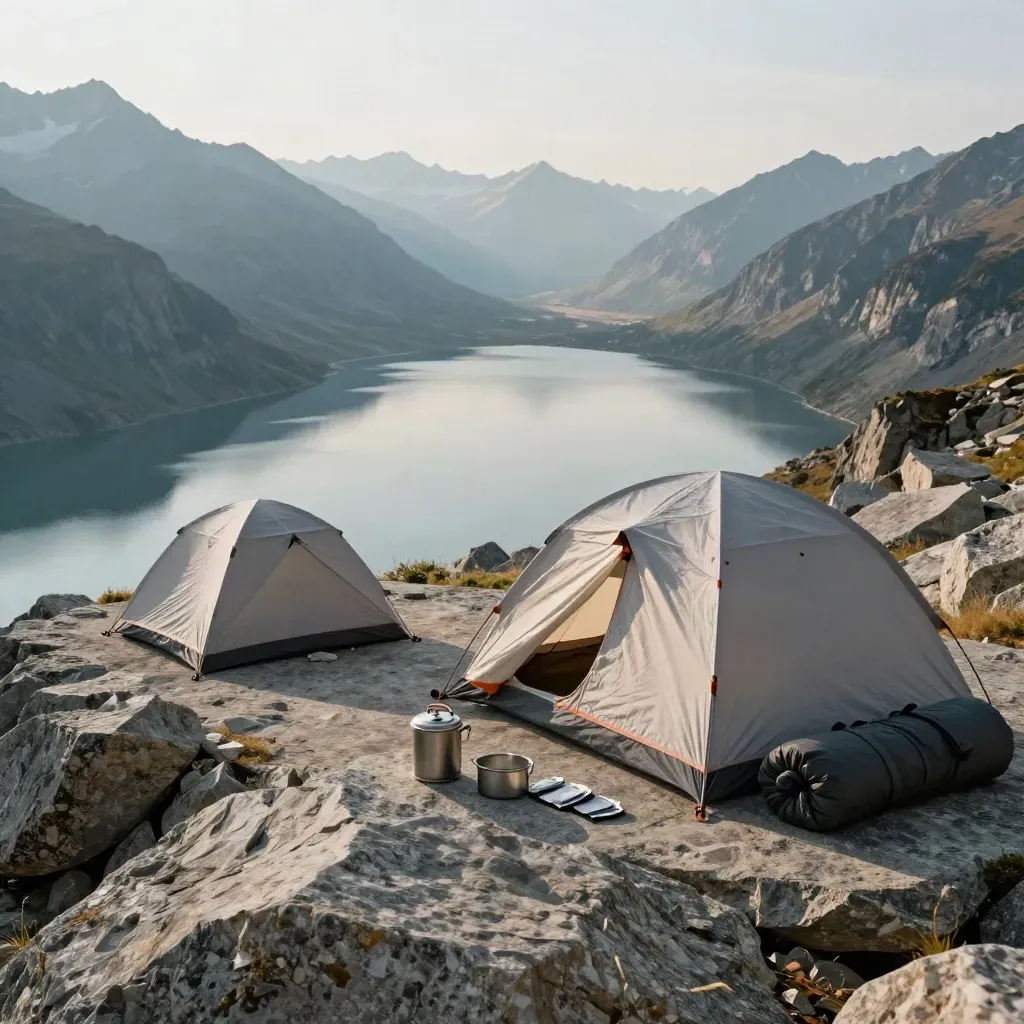
New route
A two-day plan with camp spots, food, and pack notes
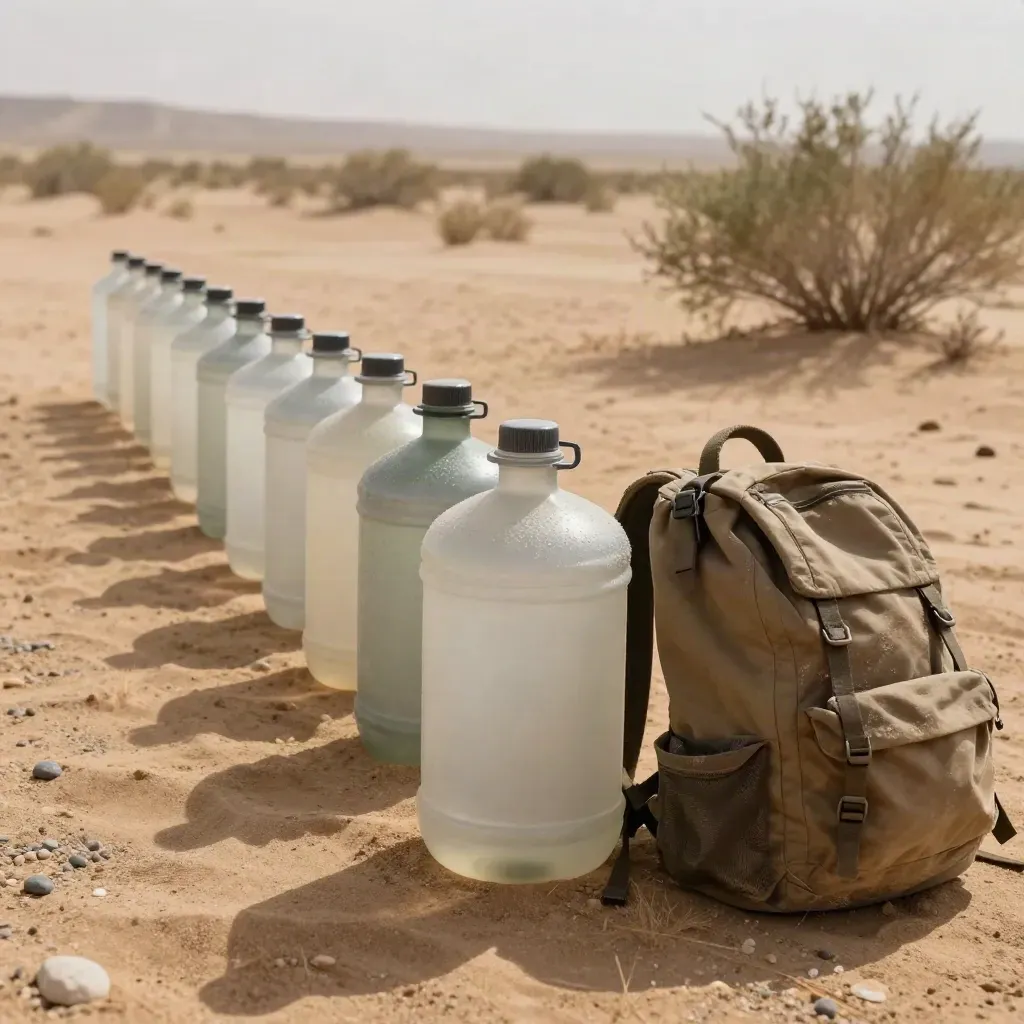
Carry enough and refill at the right stops
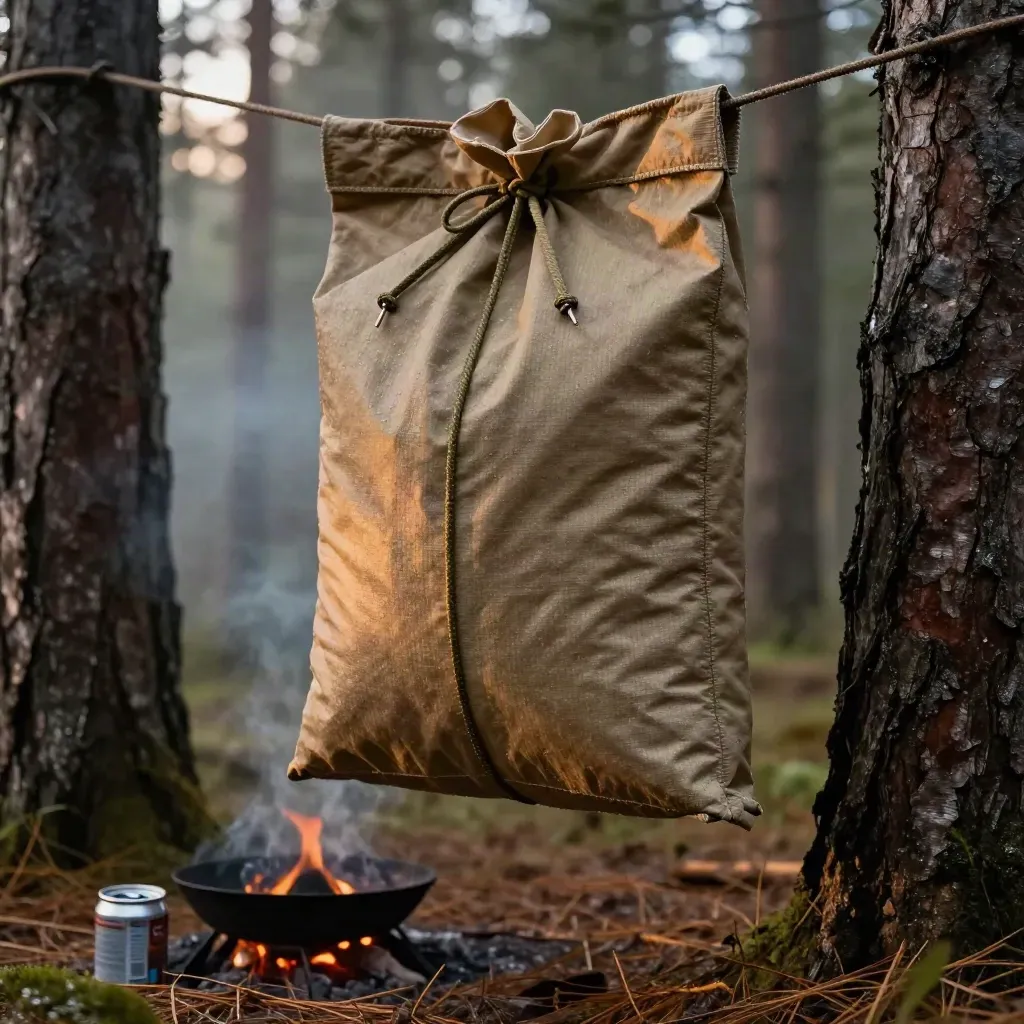
Keep food off the ground and away from camp
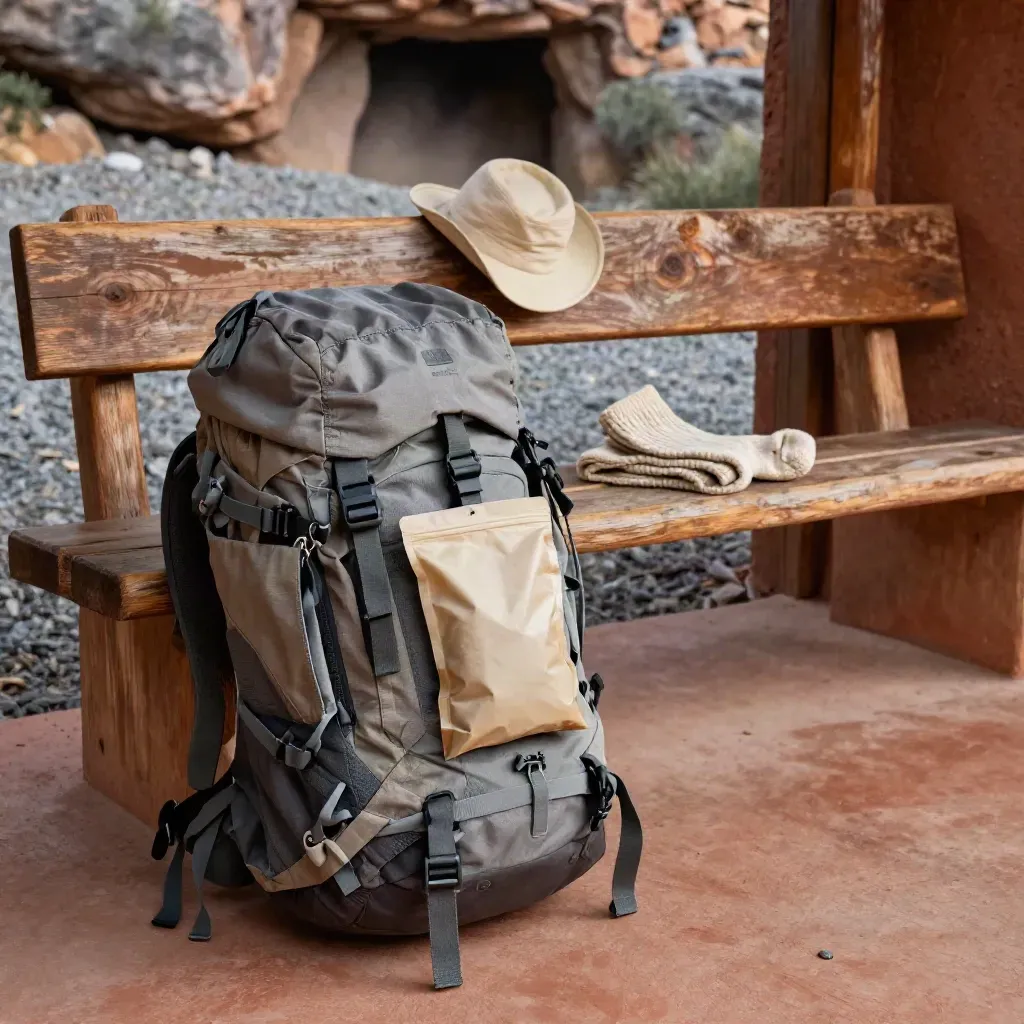
Route
Gear and food notes for a short stretch on the trail
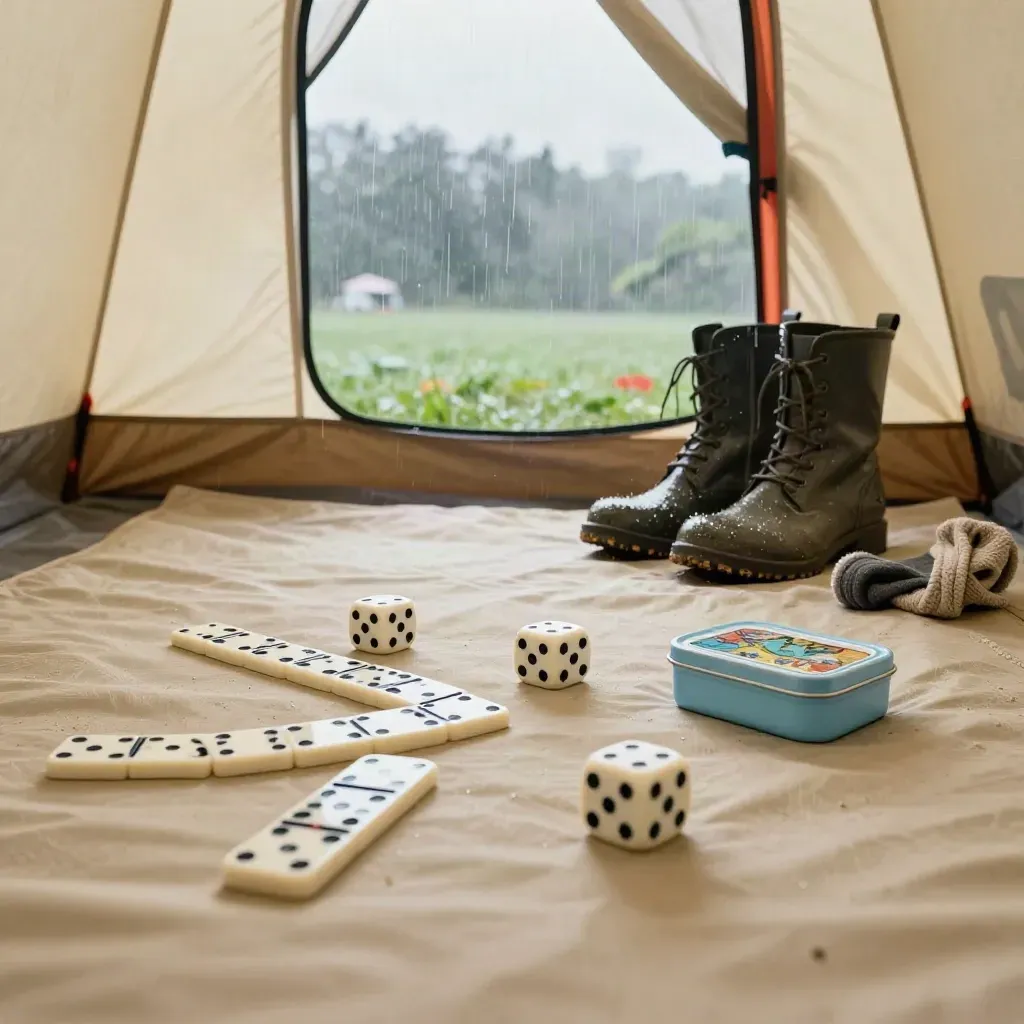
Easy ideas for kids stuck in the tent
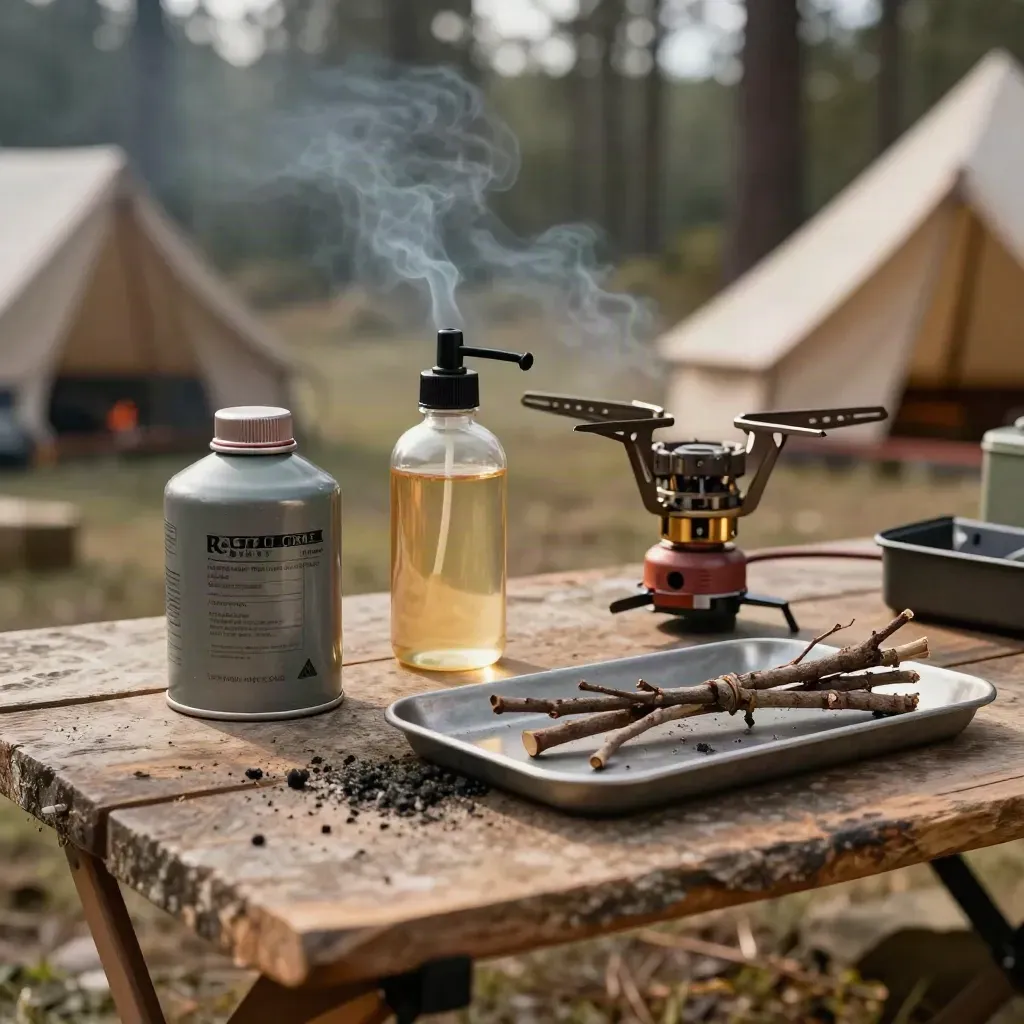
Canister, liquid, or wood: pick the right one
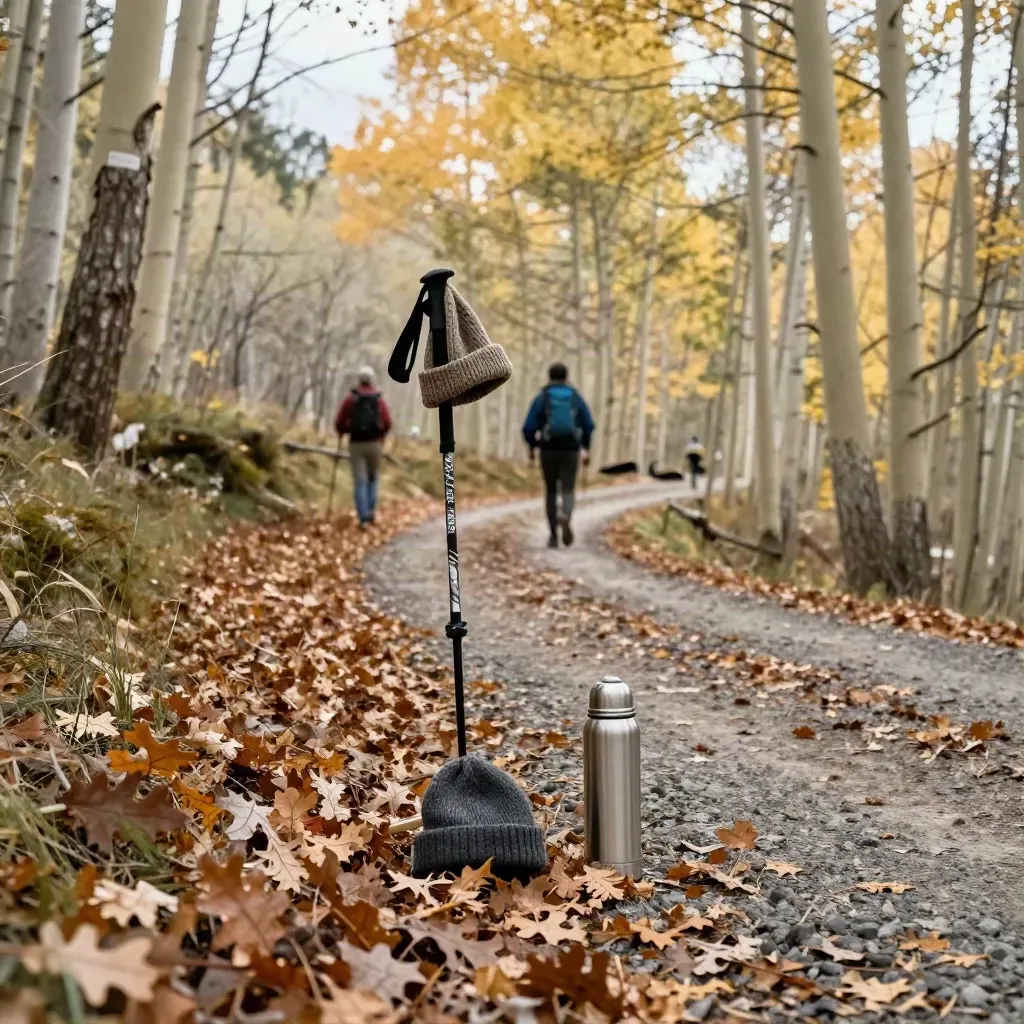
Short walks with bright leaves and cool air
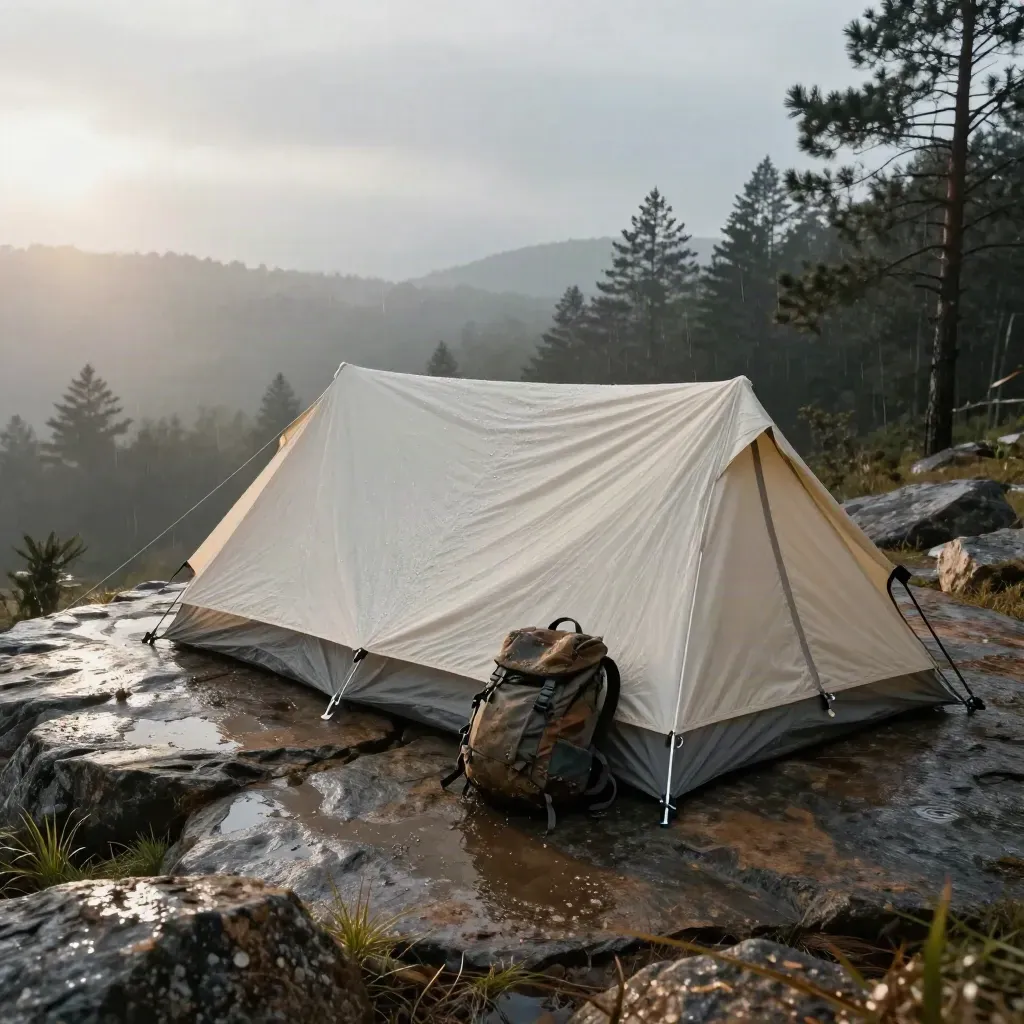
Pack less water by drying gear before you leave
Questions
Quick answers before visitors choose a product, service, or next step.
We post trail guides, camp tips, gear reviews, backpack lists, safety notes, and seasonal ideas for short and long trips.
It is for hikers, campers, families, and weekend readers who want clear help before heading outside.
Yes. We test packs, boots, tents, lights, and small camp tools, then share what works and what to skip.
Yes. Many posts fit family hikes, easy camp nights, and simple outdoor plans with kids and teens as well.
Yes. We cover hot days, wet trails, cold nights, and shoulder-season plans so you can pick the right gear.
Join the newsletter for one weekly email with new trail notes, gear picks, and trip ideas for your next weekend.
Get one short email each week with trail tips, gear notes, and seasonal ideas for your next trip.